
AI Sourcing Tool Buyer's Guide: What to Look for Before You Sign in 2026
The market has matured quickly. In 2026, nearly every recruiting platform claims AI-powered sourcing. Some deliver. Many bolt a search bar onto an existing database and call it done. This guide helps you cut through the noise, ask the right questions before you commit, and understand what separates a tool that actually speeds you up from one that just adds another subscription to your stack.
- Why "AI Sourcing Tool" Means Very Different Things
- The Six Things That Actually Matter
- Red Flags to Watch For
- How to Structure Your Evaluation
- What a Strong AI Sourcing Tool Looks Like in Practice
- FAQs
Why "AI Sourcing Tool" Means Very Different Things
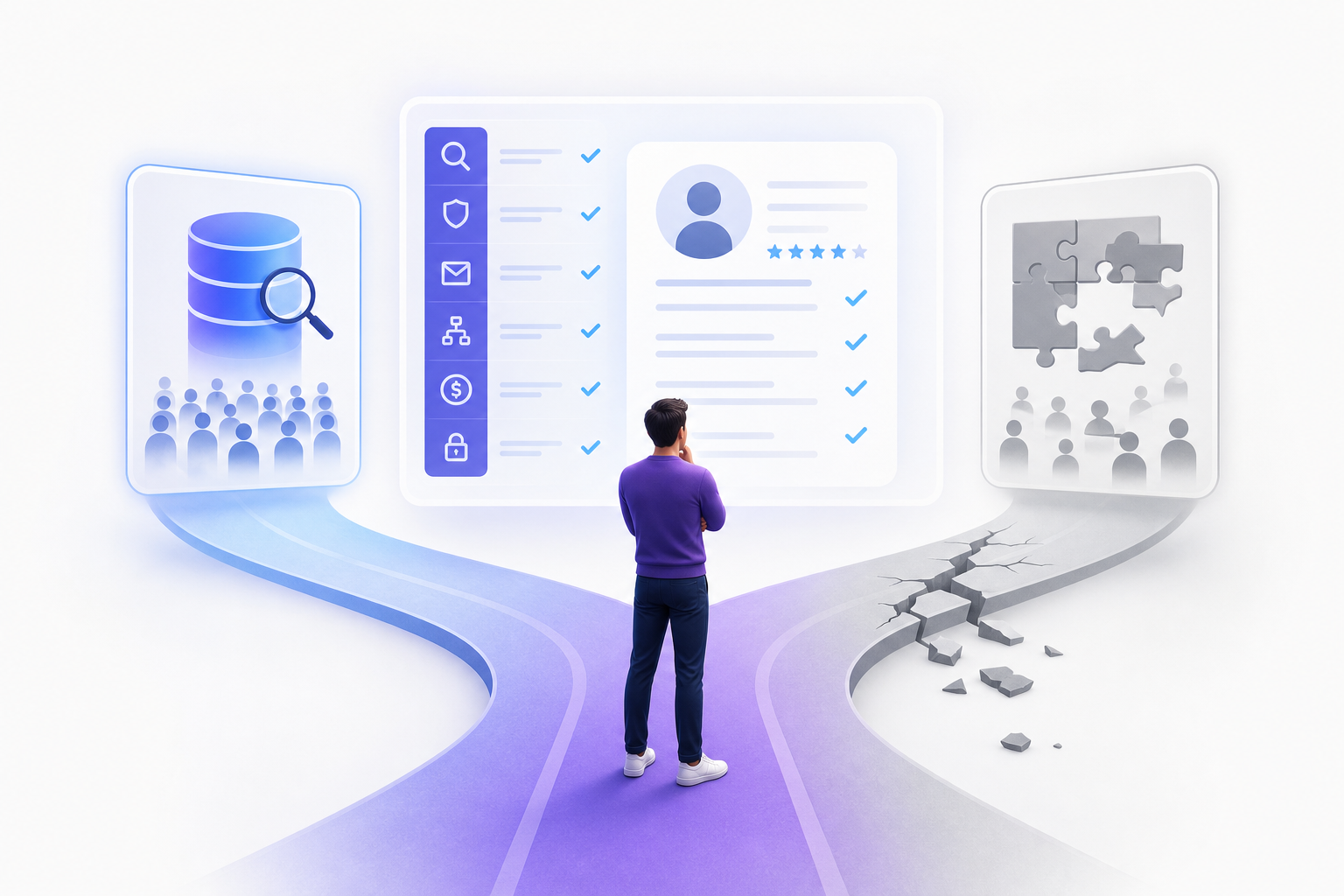
The phrase covers a wide range of products. At one end, you have database-first tools that let you filter a large profile index with natural-language queries. At the other end, you have end-to-end workflow platforms that handle search, enrichment, outreach, and follow-up inside a single session.
That distinction matters. Most sourcing pain isn't in finding candidates — it's in everything that comes after: verifying contact details, writing personalized messages, sending them across the right channels, tracking who responded. A tool that only solves the search step leaves 70% of the workflow on your plate.
Before evaluating any platform, get clear on which problem you're actually buying a solution to.
The Six Things That Actually Matter
1. Search Quality and Database Coverage
Natural-language search is the headline feature of most AI sourcing tools in 2026. You type something like "senior backend engineer, Python, fintech, Paris or remote France, open to relocation" and the platform returns a ranked list of profiles.
The real question is whether the underlying database actually covers the market you're hiring in. Many platforms are US-centric by default. If you're sourcing in France, Germany, Belgium, or the UK, a tool with a billion profiles that skews heavily American will give you worse results than a smaller, better-indexed European database.
Ask vendors directly: what percentage of your database covers European candidates? Where does the profile data come from? How recently was it refreshed?
2. Contact Data Quality and Coverage
Finding a profile is step one. Reaching the person is step two. These are not the same problem.
A platform can surface a strong candidate and then hand you a LinkedIn URL and a generic company email that bounces. That's not enrichment. Real enrichment means verified mobile numbers and direct email addresses.
When evaluating tools, ask for their contact coverage rate and what that figure actually includes. Some platforms report email and mobile coverage separately; others combine them. The difference matters when you're planning outreach sequences.
3. Outreach Channels: Native vs. Bolted On
This is where most tools fall short. LinkedIn-only outreach is the default, but passive candidates don't all respond to InMails. Response rates improve when you can reach someone on the channel they actually check.
The channels worth having in a single workflow: LinkedIn, email, SMS, and WhatsApp — not as integrations requiring separate subscriptions and API keys, but as native features you can sequence from the same interface.
Check whether outreach is a core feature or an add-on. Check whether the sequences are static templates or a conversational agent that adapts based on replies. Those are very different things.
4. Workflow Integration: One Tool or Five?
The sourcing stack problem is real. Many teams use one tool to search, another to enrich, a third to send outreach, and their ATS to track everything. Each handoff adds friction, creates data loss, and costs time.
A genuine end-to-end platform handles search, enrichment, outreach, and shortlisting without requiring you to export a CSV and paste it somewhere else. If a demo requires multiple browser tabs to show you a complete workflow, that's your answer.
ATS integration is also worth evaluating carefully. Does the platform connect to your existing system? Is that included in the base plan or priced separately?
5. Pricing Transparency and True Cost
Recruiting software pricing is famously opaque. Many enterprise tools require a sales call just to get a number — which tells you something about who the product is built for.
In 2026, the pricing range for AI sourcing tools is wide:
- Gem's median annual contract is around $24,900, with enterprise deals averaging $94,560 per year
- hireEZ's median annual contract sits around $13,000, with no self-serve trial
- Fetcher runs $379 to $849 per month with an $11,000 median annual contract
- Platforms with transparent self-serve pricing — like Kalent's Copilot plan at $149/month billed annually ($1,790/year) — sit at a very different point on the cost curve
The question isn't just "what does the base plan cost?" It's "what do I need to add to make this actually work?" Outreach automation, ATS integration, contact credits, and CSV export are commonly gated behind higher tiers or add-ons. Build the full cost before you compare.
6. Compliance and Data Handling
GDPR is not optional. If you're sourcing candidates in Europe, the platform you use needs to handle personal data lawfully — which means understanding where profile data comes from, how consent is managed, and what your obligations are when contacting someone who hasn't applied to your role.
Ask vendors for their data processing agreement. Ask how they handle right-to-erasure requests. Ask what their data sources are and whether those sources comply with European data protection law.
This isn't a bureaucratic checkbox. It's a real legal exposure if you get it wrong.
Red Flags to Watch For
No self-serve trial or transparent pricing. If you can't test the product without a sales call, you're being sold to, not evaluated. That's fine for enterprise procurement, but it's a mismatch for lean teams with fast hiring cycles.
Email-only outreach. WhatsApp and SMS are how many candidates actually respond, particularly in European markets. If a platform doesn't support them natively, you're either adding tools or leaving response rates on the table.
Database size as the only differentiator. Bigger isn't automatically better. A database of 200 million well-indexed, recently verified European and US profiles often outperforms a billion-profile database where most records are stale or US-only.
Enrichment that requires a separate tool. If the platform finds profiles but you have to run them through a separate service to get contact details, that's two tools, two costs, and two failure points.
Vague AI claims. "AI-powered" means nothing without specifics. What model? What does the AI actually do? Is the search genuinely semantic, or is it keyword matching with a chat interface on top?
How to Structure Your Evaluation
A structured evaluation keeps you from buying on demo quality rather than product quality. Here's a practical sequence:
Week 1: Define your requirements. Write down the three roles you're currently struggling to fill. What markets are you sourcing in? What channels do your target candidates respond to? Where does your current stack break down?
Week 2: Run the same search on every platform you're evaluating. Use a real open role as the test case. Compare result quality, profile completeness, and contact data coverage. Don't accept a vendor-curated demo search.
Week 3: Test the outreach workflow end to end. From search result to first message sent — how many steps, how many tools, how long does it take?
Week 4: Evaluate support, compliance documentation, and contract terms. Annual contracts with no exit clause are a real risk if the product doesn't deliver.
What a Strong AI Sourcing Tool Looks Like in Practice
The best setup in 2026 is one where you describe your ideal candidate in plain language, get back a shortlist of enriched profiles with verified contact details, and launch a multi-channel outreach sequence without leaving the platform.
Kalent is built around that workflow. You type a natural-language prompt, match against 200M+ profiles covering Europe and the US, get AI-generated summaries with approximately 80% combined mobile and email coverage, and run outreach across LinkedIn, email, SMS, and WhatsApp through a conversational agent — all in one session. The Copilot plan, which includes full multi-channel outreach, is $149/month billed annually. Teams at Randstad, Vinci, and Generali use it alongside lean in-house sourcing teams who need to move fast without a large recruiting operations function behind them.
That's the benchmark worth holding other tools to.
FAQs
What is an AI sourcing tool?
An AI sourcing tool is a recruiting platform that uses artificial intelligence to help recruiters find, enrich, and engage candidates. At minimum, that means natural-language or semantic search against a profile database. More complete platforms also handle contact enrichment, outreach automation, and candidate tracking within the same workflow.
What's the difference between an AI sourcing tool and a recruiting CRM?
A recruiting CRM manages relationships with candidates you already know or have contacted. An AI sourcing tool helps you find and reach candidates who haven't applied to your roles. Some platforms combine both functions, but the core motion is different — sourcing is about discovery and first contact; CRM is about pipeline management and longer-term relationships.
How important is European database coverage?
Very important if you're hiring in Europe. Many platforms are built around US talent markets and have significantly thinner coverage for France, Germany, Belgium, the Nordics, and other European regions. Ask vendors specifically about their European profile count and data freshness, not just their total database size.
What outreach channels should an AI sourcing tool support?
The most effective sourcing outreach in 2026 uses multiple channels. LinkedIn InMail, email, SMS, and WhatsApp each reach different segments of the candidate population. Platforms that support all four natively — without requiring separate tools — give you more flexibility and reduce the friction of managing multiple outreach systems.
How do I evaluate contact data quality?
Ask vendors for their contact coverage rate and what it actually covers. Understand whether they're reporting mobile number coverage, email coverage, or a combined figure. Run a test with real candidates from your target market and check how many profiles return a verified mobile number or direct email. Bounce rates and disconnected numbers are the real quality signal.
Is GDPR compliance the recruiter's responsibility or the tool vendor's?
Both. The vendor is responsible for how they collect and store profile data. You, as the recruiter, are responsible for how you use that data to contact candidates. Before signing any contract, ask for the vendor's data processing agreement and understand your obligations under GDPR when reaching out to candidates who haven't opted into your outreach.
What should I expect to pay for a good AI sourcing tool in 2026?
Pricing ranges from around $119/month billed annually for sourcing-only plans to $25,000+ per year for enterprise CRM and analytics platforms. If you're a lean team that needs search, enrichment, and multi-channel outreach without enterprise overhead, expect to pay somewhere between $1,500 and $3,000 per year for a capable self-serve platform. Anything significantly above that should come with enterprise-grade support, custom integrations, and volume capacity to justify it.
The AI sourcing tool market isn't short of options. The shortage is in tools that deliver a complete workflow without requiring you to stitch together three separate subscriptions. Use this guide as your checklist before you sign anything — and hold every demo to the same standard: can you go from a job brief to a contacted shortlist in one session, without leaving the platform?
